
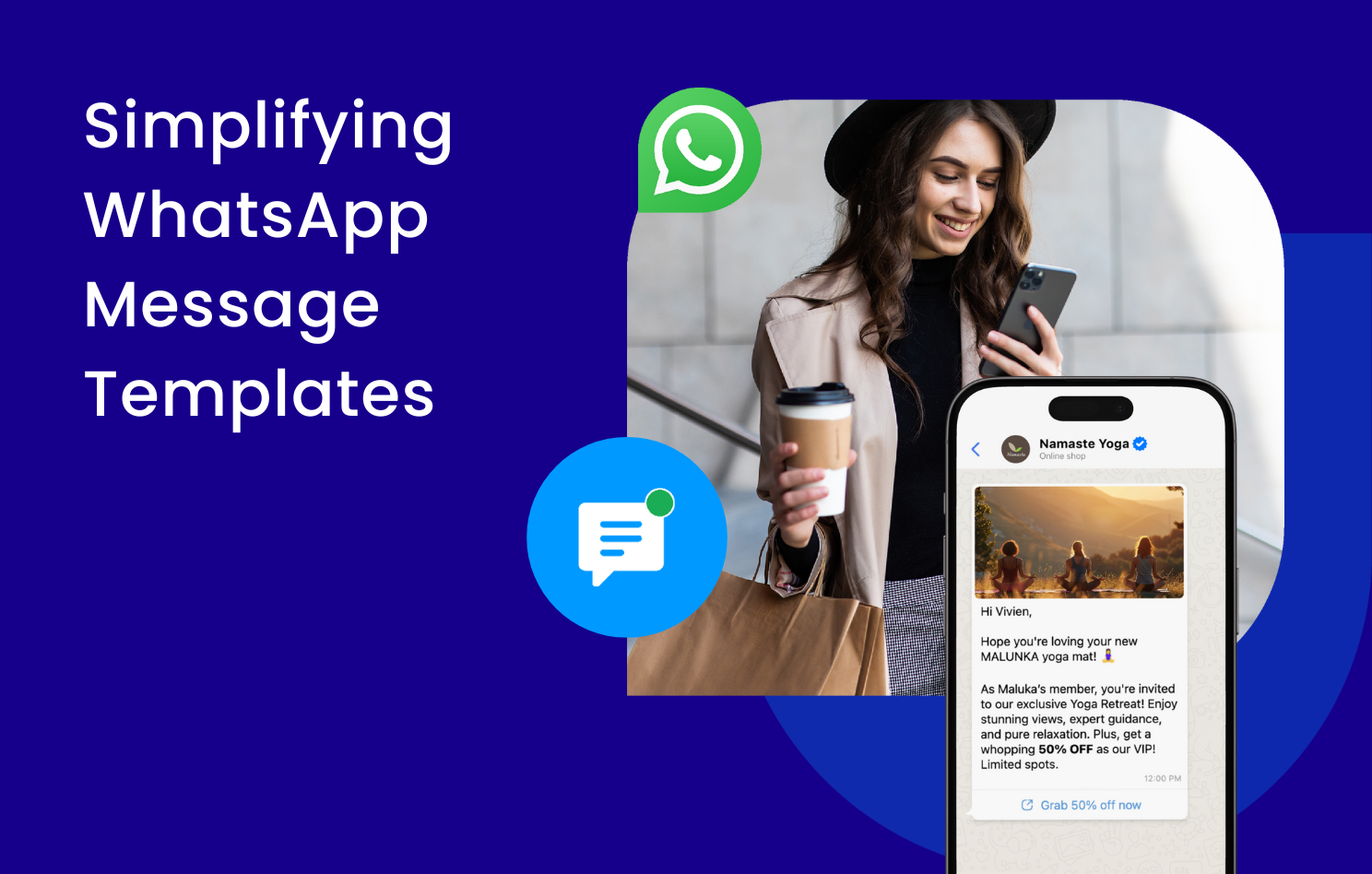
In the digital age, building strong customer relationships is essential, and WhatsApp Message Templates provide a powerful way for businesses to achieve this through seamless, personalized interactions. These automated tools allow brands to deliver tailored content for everything from product promotions to order confirmations and customer support; this guide covers the fundamentals, key benefits, and steps to help your business get started.
💡 Quick Summary of WhatsApp Message Templates Guide
– WhatsApp message templates are the key to initiating conversations with customers outside the 24-hour window, ensuring compliance with Meta’s strict anti-spam regulations for professional outreach.
– Omnichat simplifies the setup of the WhatsApp Business API, allowing brands to manage approvals and deploy automated workflows without the technical headache of manual configuration.
– Businesses using these structured formats see higher engagement; for instance, brands that use automated messaging via a BSP often report faster response times and improved customer loyalty.
Understanding WhatsApp Message Templates for Automated Chat
WhatsApp Message Templates are predefined message formats that businesses can use to communicate with their customers in a structured manner. These templates cover various scenarios, such as promotional offers, order confirmations, appointment reminders, and feedback requests. They enable businesses to deliver consistent messages efficiently while maintaining a personalised touch.
Core Categories: Marketing, Utility, and Authentication Templates
WhatsApp message Templates can be sent to customers who have yet to message you or have not sent a message in the last 24 hours. Unlike free-form messages, only template messages can be used in this scenario, in accordance with Meta’s spam-prevention rules and regulations. The templates offered are primarily from these three categories below:
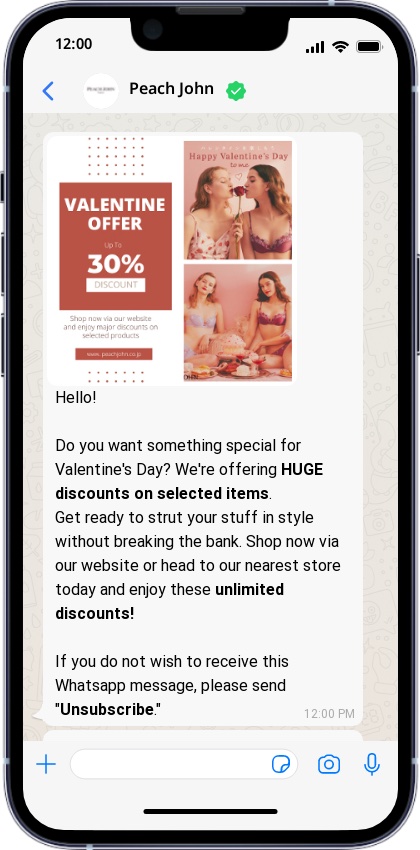
Drive Sales with Marketing Message Templates
Boost awareness, drive sales, and build customer engagement by sending promotional offers, product announcements, and other related content.
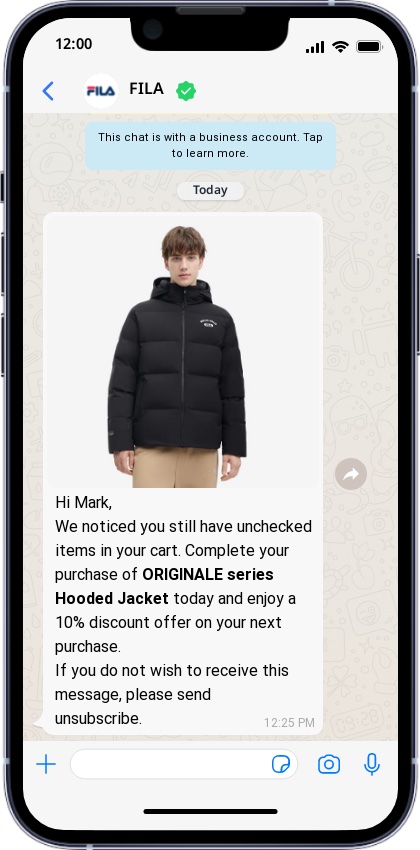
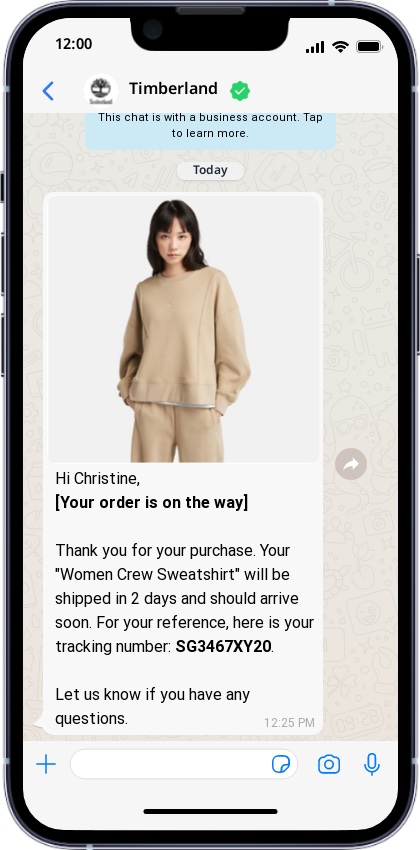
Improve Operations with Utility Templates
Send and follow up on important updates, alerts, and information regarding opt-in confirmation, account-related updates, payment alerts, and feedback surveys.
Secure Your User Access with Authentication Templates
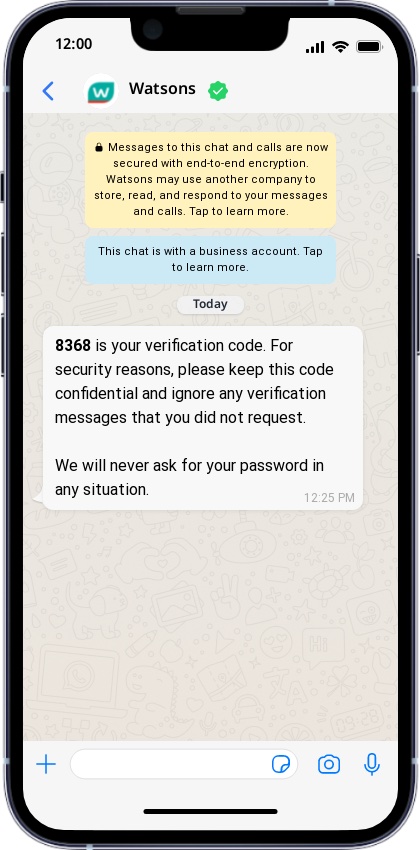
Send one-time passcodes for account verification, recovery, or login-related issues.
Benefits of Using WhatsApp Templates for Brand Loyalty
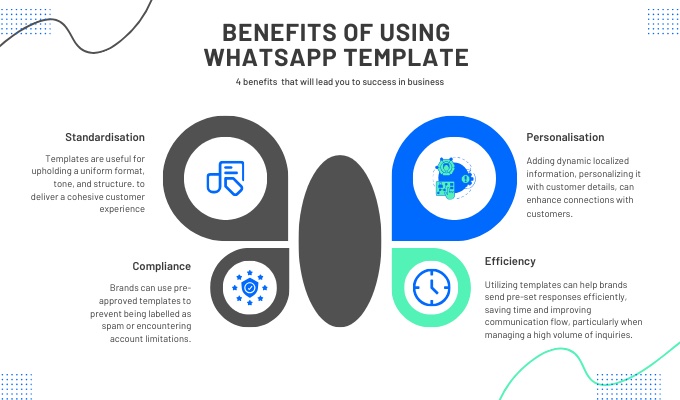
Using WhatsApp templates can offer brands various benefits. Firstly, it helps maintain a professional image and deliver a consistent customer experience. By utilising templates, brands can ensure a uniform format, tone, and structure in their communications, ultimately strengthening their brand identity and messaging across all interactions. This consistency helps build customer trust and reliability, leading to stronger brand loyalty and engagement.
Moreover, using templates can significantly enhance efficiency. Brands can quickly deploy predefined responses, dramatically reducing response times, especially when faced with a high volume of inquiries. By streamlining communication processes and optimising resources, brands can allocate them more effectively. Additionally, pre-approved templates can help ensure compliance with spam prevention guidelines and policies. By adhering to these guidelines, brands can reduce the risk of being flagged as spam or of facing account restrictions, ensuring uninterrupted communication with their audience while maintaining their brand’s integrity on the platform.
How do you use WhatsApp templates for your business?
If you’re planning to use WhatsApp Templates for your business, it’s important to follow META’s approval process. This ensures that your message template is high quality and doesn’t violate business or commerce policies. Once your template is approved, you’ll receive a notification in your WhatsApp Manager, and an email will be sent to your business manager admins.
However, it’s worth noting that if your template receives negative feedback or low engagement, it may be deactivated. In such a case, you’ll need to improve its quality rating or make any necessary changes to comply with WhatsApp’s policies before you can use it again.
Setting Up the WhatsApp Business API with Omnichat
Setting up your brand’s WhatsApp Business API can seem daunting and overwhelming, especially if you try to do it alone via the official WhatsApp website. However, you don’t have to face this challenge on your own. By partnering with a WhatsApp Business Solution Provider (BSP) such as Omnichat, you can simplify and expedite the process. With Omnichat, you can easily create and submit templates for approval and launch your WhatsApp marketing campaigns using chatbots, pre-saved replies, and analytics.
Ready to take your WhatsApp marketing campaigns to the next level? Drop your contact details below, and let us show you how to set up effective campaigns to take your business to new heights!
Book a Consultation